
Here is a screen shot for my most recent apps used:
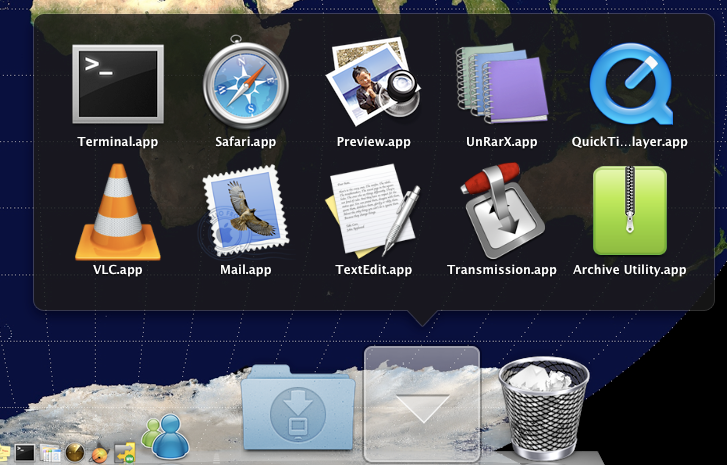
What you need to do it is to start up terminal and copy paste the below two lines:
$ defaults write com.apple.dock persistent-others -array-add '{ "tile-data" = { "list-type" = 1; }; "tile-type" = "recents-tile"; }'
$ killall Dock
Don't copy the $, this represents the prompt.


or... u can download and install Sapiens :P
ReplyDelete